Skip to product information
1 of 11
Upload DTF Transfer
Choose Your Gang Sheet Size
Upload Print-Ready Artwork
Upload
Selected
22" x 12"
Make sure your file matches this size
$10
Upload Ready File Hot Peel Ready in 24 Hours
Before Uploading
300 DPI Recommended Transparent Background Do Not Mirror Artwork PNG / PDF Preferred
Upload DTF Gang Sheet
Upload. Print. Press.
Upload

Have your gang sheet already designed? Upload your print-ready DTF gang sheet and let Roll DTF handle the printing. This option is perfect if your artwork is already arranged, sized, and ready to go on a 22" wide sheet.

Choose your gang sheet length, upload your finished file, and place your order. We print your uploaded file as submitted, so this product is best for customers who already prepared their layout in design software such as Photoshop, Illustrator, Canva, CorelDRAW, Procreate, or similar tools.

Upload Ready File
Upload your completed gang sheet layout exactly as you want it printed.
Ready in 24 Hours
Fast production for creators, brands, print shops, and urgent apparel orders.
Hot Peel Transfers
Smooth peel, bold color, soft feel, strong stretch, and reliable wash durability.
Express Delivery
Produced quickly and delivered in 1–3 business days via express shipping.
Best for finished gang sheets, bulk designs, repeat orders, print shops, brands, and custom merch production.
How Upload a Gang Sheet Works

Start by choosing the gang sheet size you need. Then upload your completed gang sheet file directly on the product page.

Your uploaded file should already include all designs arranged on the sheet. We do not rearrange, resize, crop, or rebuild the layout unless you contact us separately before production.

Please review your file carefully before checkout. The file you upload is the file we use for printing.

↓ Recommended File Settings

For best results, upload a high-resolution, print-ready file with a transparent background. PNG and PDF files are recommended for most gang sheets.

We recommend 300 DPI artwork whenever possible. Low-resolution, blurry, pixelated, or compressed artwork may print exactly as uploaded.

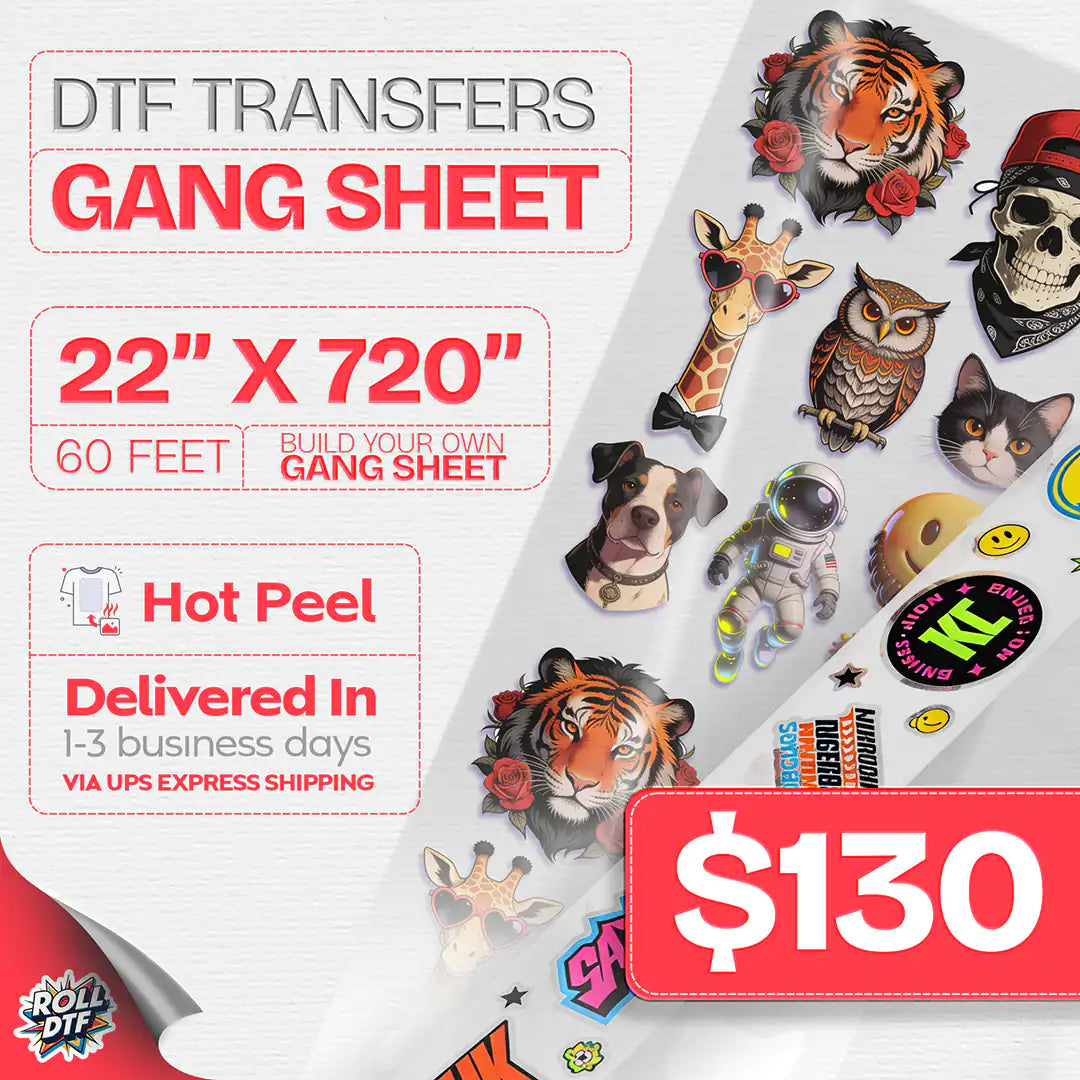
Your file should match the size you select. For example, if you select a 22" × 60" gang sheet, your uploaded file should be prepared at that size.

Please make sure your artwork is already cleaned, cropped, arranged, and ready to print before uploading.

↓ Upload vs Gang Sheet Builder

Choose Upload a Gang Sheet if your full sheet is already designed and ready to print.

Choose the Gang Sheet Builder if you want to upload individual designs and arrange them online.

Uploading a finished gang sheet is usually faster for customers who already work with design software and want full control over the final layout.

↓ Why Choose DTF Transfers?

DTF transfers are a great option for custom apparel because they work on many fabric types and colors. You can press them on cotton, polyester, cotton/poly blends, hoodies, tote bags, and more.

Unlike vinyl, DTF allows full-color artwork, gradients, small details, and complex graphics without weeding. This makes it ideal for detailed logos, colorful illustrations, brand designs, and custom merch.

Our hot peel DTF transfers are designed for fast application, vibrant color, soft feel, and long-lasting results when pressed correctly.

↓ General Application Settings

Temperature: 290–320°F

Time: 8–15 seconds

Pressure: Medium pressure, around 35–45 PSI / 3–4 bar

Peel: Hot peel — remove the film immediately while warm

For best results, always pre-press your garment to remove moisture and wrinkles before applying the transfer.

↓ Fabric-Specific Recommendations
Fabric Temp Time Notes
Cotton 310–320°F 12–15 sec Durable, best wash resistance
Polyester 285–300°F 8–10 sec Lower heat to avoid scorching
Cotton/Poly Blends 300–310°F 10–12 sec Helps reduce dye migration
Spandex / Lycra 285–295°F 8–10 sec Do not overstretch fabric
Denim 320°F 15–20 sec Use firm pressure
Fleece / Wool 300°F 12–15 sec Pre-press to flatten
Leather / PU 275–285°F 6–8 sec Test first, low heat only

Heat presses may vary. Always run a small test press before large production, especially on polyester, coated fabrics, stretch fabrics, leather, or PU materials.

↓ DTF Transfer Care Instructions

Wash inside out at 30°C / 86°F.

Do not bleach, tumble dry, or iron directly on the design.

Wait at least 24 hours before the first wash for best durability.

↓ Upload FAQ

Can I upload a full gang sheet?
Yes. This product is designed for customers who already have a completed gang sheet file ready to print.

Can you rearrange my designs after upload?
This product is for print-ready uploads. We print the uploaded layout as submitted, so please make sure your sheet is already arranged correctly.

Should I mirror my artwork?
No. Please upload your artwork in the correct reading direction. We handle the print setup.

What happens if my file size does not match the selected sheet size?
Your file may not print as expected. Please upload a file that matches the gang sheet size you selected.

↓ DTF Transfer FAQ

What fabrics can I use DTF transfers on?
DTF transfers can be applied to cotton, polyester, cotton/poly blends, hoodies, tote bags, and many other fabric items.

Do DTF transfers work on dark garments?
Yes. DTF transfers include a white ink layer, making them suitable for both light and dark garments.

Are DTF transfers durable?
Yes, when applied correctly. Proper pressure, temperature, peel method, and washing care all affect durability.

Can I cut the designs apart?
Yes. After receiving your gang sheet, you can cut individual designs before pressing.

Important: Please upload print-ready artwork. Low-resolution images, unwanted backgrounds, incorrect sizing, incorrect sheet dimensions, or layout mistakes may appear in the final printed transfer exactly as submitted.
View full details
PRESSING GUIDE

How to Apply DTF Transfers?

Follow these simple steps for a clean press, smooth peel, and long-lasting result. Roll DTF transfers are designed to be easy to apply, but the right heat, pressure, and care routine make a big difference.

Recommended Settings
Temperature 275°F - 300°F
Press Time 8 - 12 seconds
Pressure Medium to firm
Peel Type Hot peel

Settings may vary slightly depending on your heat press, garment type, and fabric thickness. Always test first when pressing a new material.

1. Pre-Press the Garment

Before placing the transfer, pre-press the garment for about 5 seconds. This removes moisture, wrinkles, and surface texture that can reduce adhesion. A flat, dry surface helps the transfer bond more evenly to the fabric.

This step is especially important for cotton, fleece, hoodies, and garments that have been stored in humid conditions. Skipping the pre-press may cause weak adhesion, uneven texture, or areas that peel sooner after washing.

👕 2. Place the Transfer

Position the transfer exactly where you want the design to appear. Make sure the printed side is facing the garment and the clear film is facing up. Check alignment carefully before pressing, because once the transfer is applied, it cannot be repositioned.

For best results, keep the garment smooth and avoid seams, zippers, pockets, or thick fabric areas directly under the design. Uneven surfaces can prevent consistent pressure and may affect the final result.

🔥 3. Press with Heat & Pressure

Press the transfer using medium to firm pressure. We recommend starting around 275°F - 300°F for 8 - 12 seconds, depending on your heat press and fabric type. The entire design area should receive consistent heat and pressure.

If your press has cold spots or uneven pressure, some parts of the transfer may not bond properly. Avoid using an iron for professional results, because it usually cannot provide the same even pressure as a heat press.

4. Hot Peel the Film

Roll DTF transfers are designed for hot peel. After pressing, wait only a few seconds, then peel the film away in one smooth, steady motion while it is still hot.

Do not let the transfer cool completely before peeling unless you are testing a special fabric or press setup. A slow, uneven peel may lift small details. If any area lifts, place the film back down and press again for a few more seconds.

🛡 5. Optional Final Press

For extra durability and a smoother feel, cover the design with parchment paper, kraft paper, or a Teflon sheet and press again for about 5 seconds. This helps the transfer settle into the fabric and improves the final finish.

A final press is especially helpful for workwear, hoodies, thicker garments, and designs that will be washed frequently. It can also reduce shine and give the print a softer hand feel.

6. Long-Lasting Print Care

For best durability, wash garments inside out with cold water. Use mild detergent and avoid bleach, fabric softeners, and harsh chemicals. These can weaken the print surface and reduce long-term performance.

Air drying is recommended. If using a dryer, use low heat only. Avoid ironing directly on the design. When applied and cared for correctly, Roll DTF transfers are made to stay vibrant through repeated washes.